Portrait Restoration Mode — AI Face & Skin Video Enhancer
Bring faces back into focus. Portrait Restoration Mode sharpens facial detail, skin texture, and hair on any footage of people for stunning, natural close-ups.
Drop your video here or click to upload
MP4 or MOV — up to 4K. Your file stays private.
100% free to try. Files are processed privately and removed automatically.
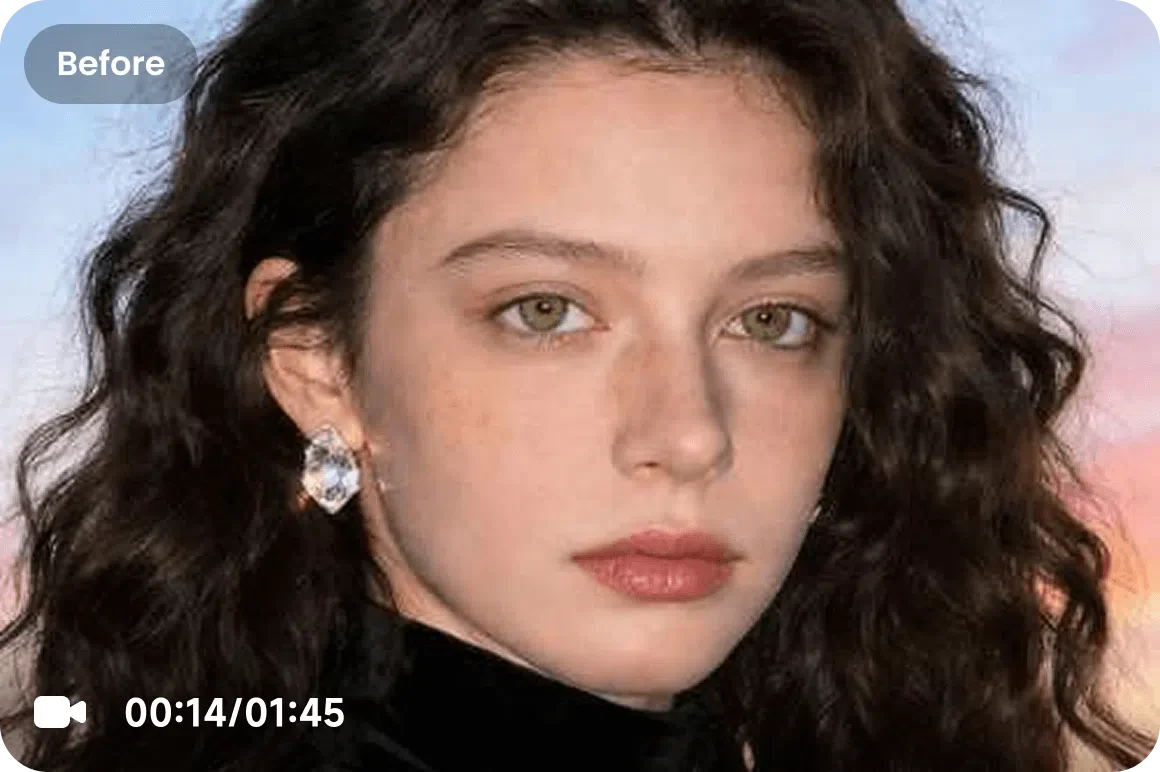
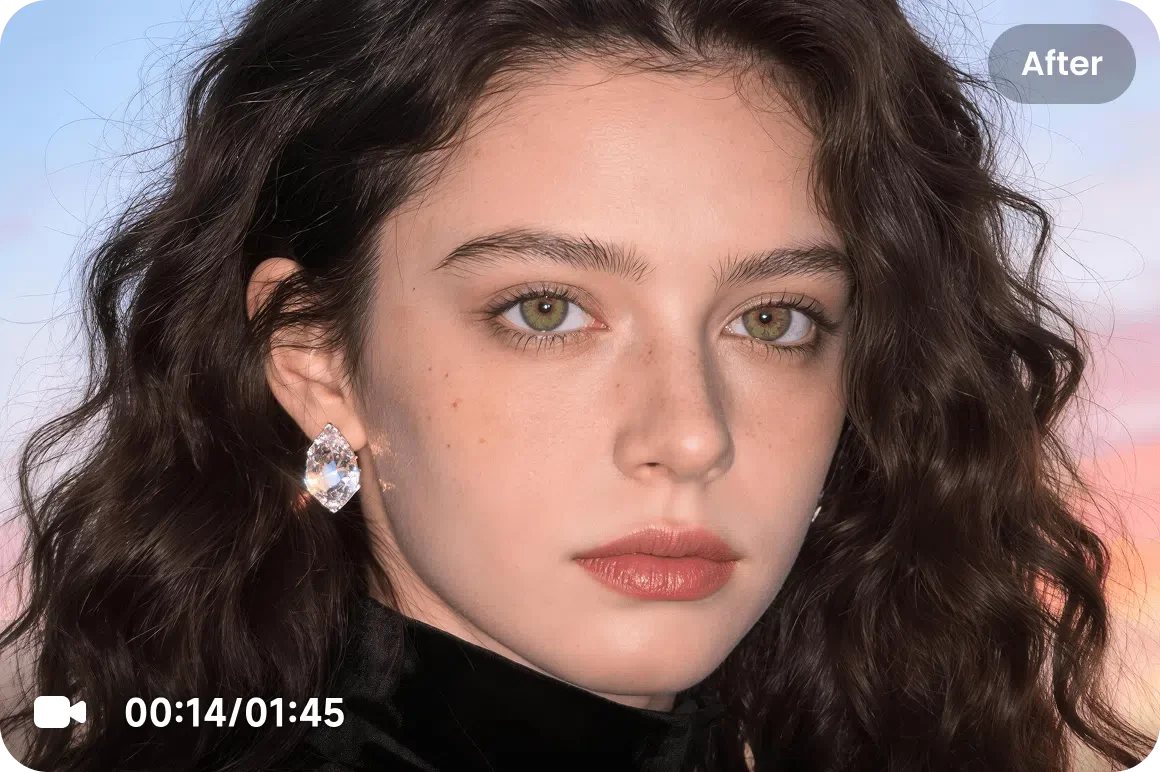
What Portrait Restoration Mode Does
Portrait Restoration Mode is tuned specifically for human subjects. It detects faces and intelligently rebuilds skin texture, hair strands, eyes, and lip detail that compression or low resolution stripped away — without the waxy, over-smoothed look of generic filters. The result keeps every face crisp, lifelike, and flattering even when the source clip was soft or grainy.
When to Use This Mode
Reach for Portrait Restoration Mode whenever people are the focus of the shot:
- Talking-head interviews, vlogs, and webinars shot on older webcams.
- Wedding, event, and family footage where faces need to stay sharp.
- Beauty, fashion, and creator content built around close-ups.
- Old or heavily compressed clips where skin and hair look mushy.
How It Works in 3 Steps
Upload Your People Footage
Upload any MP4 or MOV featuring faces — interviews, vlogs, or portraits.
Select Portrait Restoration
Choose the Portrait model so the AI prioritizes facial detail, skin, and hair.
Download the Result
Preview the before/after, then download your enhanced video as a standard MP4 file ready for any platform.
Discover Other Enhancement Modes
De-AI Mode
Restore a natural, authentic look to videos created by AI models like Sora, Kling, Runway, and Seedance. Our video enhancer removes the tell-tale artificial smoothness and digital artifacts.
Portrait Restoration Mode
Bring faces back into focus. Portrait Restoration Mode sharpens facial detail, skin texture, and hair on any footage of people for stunning, natural close-ups.
Product Enhancement Mode
Make every product look its best. Product Enhancement Mode delivers crisp, color-accurate eCommerce and ad video that drives clicks and conversions.
Low-Light & Night Repair Mode
Rescue footage shot in the dark. Low-Light & Night Repair Mode brightens, denoises, and recovers detail lost in shadows and nighttime scenes.
Gameplay & Screen Recordings Mode
Level up your captures. Gameplay & Screen Recordings Mode sharpens fast-motion gameplay and crisp UI text so your clips look clean at any resolution.
Anime & Animation Mode
Give animation the clarity it deserves. Anime & Animation Mode cleans line art, boosts color, and upscales animated footage without muddying the look.
Frequently Asked Questions
Yes. Portrait Restoration Mode is trained to avoid the waxy, plastic look. It rebuilds genuine skin and hair texture so faces read as natural and lifelike.
It does. The AI detects and enhances every face it finds in the frame, so group shots and interviews with multiple subjects all benefit.
Yes. Portrait Restoration pairs with our upscaling models, so you can sharpen faces and push the whole clip to 4K or AI 4K+ at once.